





How To Fill Out a Housing Application
Step-by-step guide for submitting your housing application, including screenshots.
Start Here
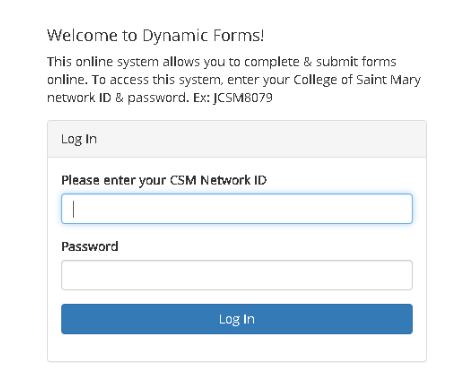
If prompted to log-in, please use your CSM e-mail and password. EX: JCSM8079 [at] csm.edu
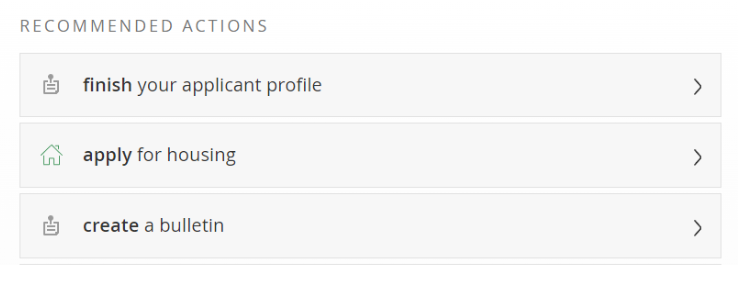
From the home page, click the "apply for housing" button:
Next, select the from the drop down yes or no to be directed to the appropriate application.
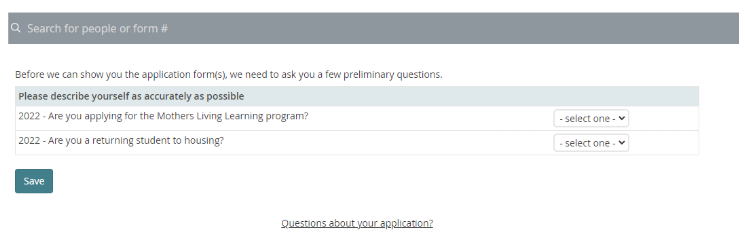
Once you hit save, you will be directed to the appropriate application form where you can select apply now.
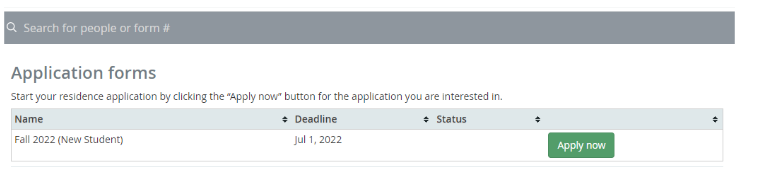
Fill out housing application completely, be sure you review the requirements listed at the top of the housing application.

At the bottom of the application, be sure you check that you agree to the terms and conditions and selected save and continue.

You will be asked to confirm your application and then you will select submit application.

Once completed you will be directed to your next steps which is paying your housing deposit.
If prompted to log-in please utilize your CSM network ID and password. (EX: JDOE1234) This will be your csm e-mail address without the @csm.edu.
You will also use the password you have set up to access your csm e-mail address.
You MUST use your network ID. Your full csm e-mail address and/or student ID number will not work.
Be sure you review the information at the top of the housing deposit page and fill out your first and last name.

At the bottom of the page, be sure you check that you agree to the terms and conditions, pay your deposit, and click I am not a robot and submit the form!
Students will receive more information regarding housing on June 15, 2026.